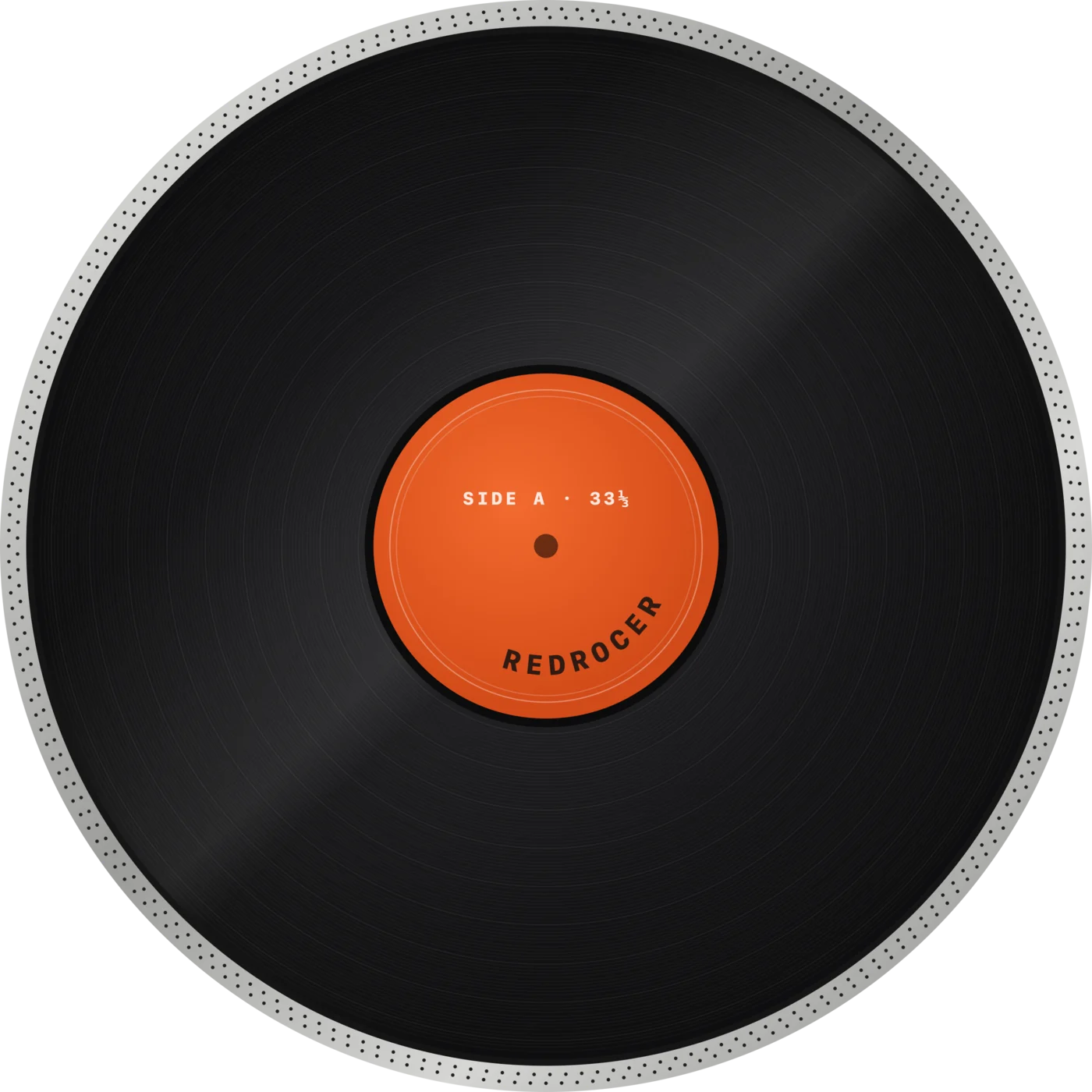
Slowed + reverb in two taps.
Pull the tempo down — it slows like real vinyl, pitch and all — and hit reverb. Yes, that one.
 Instagram ↗
Every take becomes a record you want to put on. Spin it, scratch it, loop the good part, cut it into pads — listening back turns into playing.
The idea was good. Now it is a grey line in a list, somewhere between New Recording 47 and 49. In REDROCER a take is not a file — it is a record with a name and a cover, sitting in your crate, a tap away from the deck.
You hear something you want to flip — a laugh, a train, a line someone sings. The laptop is at home, the pads are at home, and by tonight the moment is gone. REDROCER is the gear in your pocket: record it, slice it onto pads and play it right where you are.
Pull the tempo down — it slows like real vinyl, pitch and all — and hit reverb. Yes, that one.
The idea you hummed on the bus, back and forth under your finger until it becomes a hook.
A door, a train, someone laughing — mark it, drop it on the pads, play a beat on the spot.
Wind the tape back to the mistake and record over just that. The rest of the take stays.
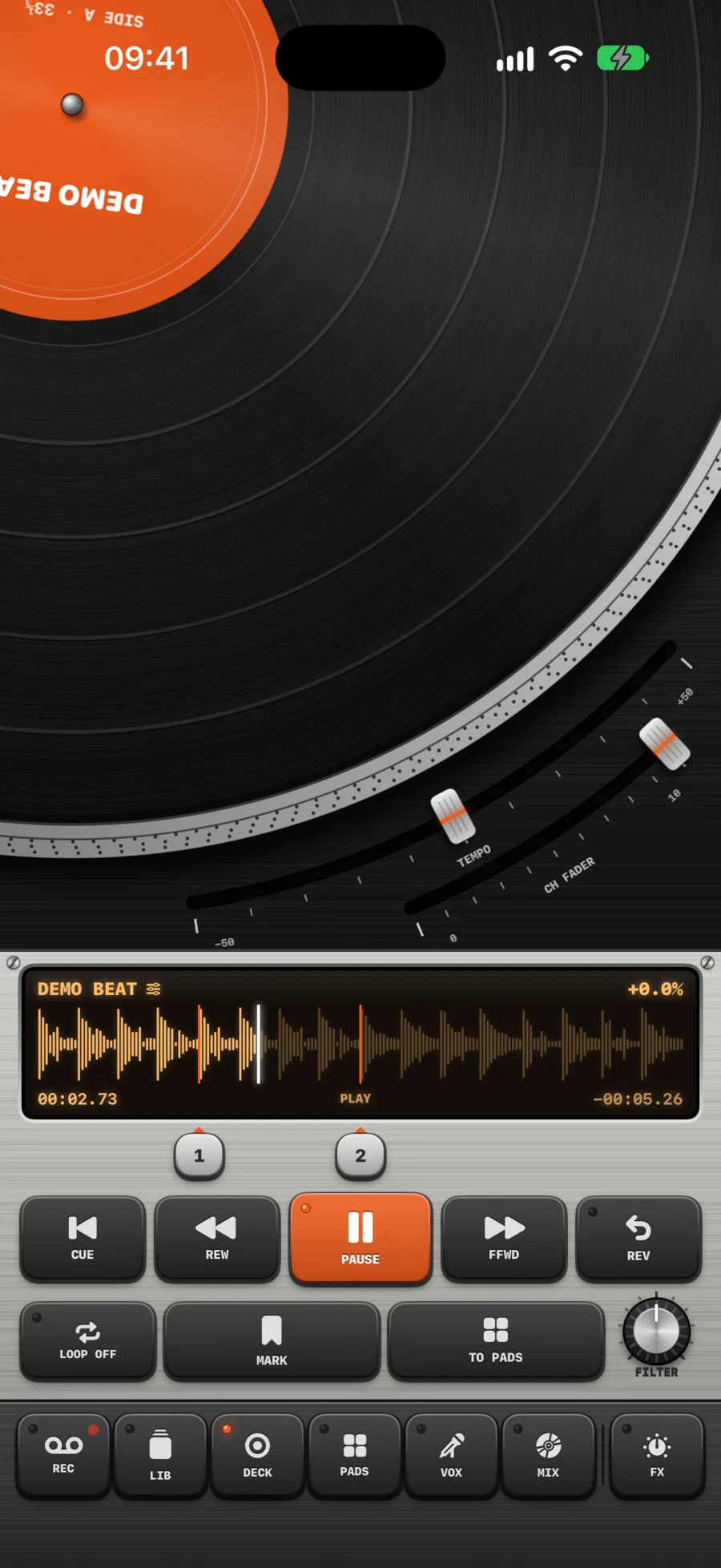
The record follows your hand exactly. Drag slowly and you feel the weight of the platter; flick it and it spins; let go and the motor pulls it back to speed.
Tempo and the channel fader sit on arcs around the record, and the strobe dots on the rim stand still when you are exactly on speed — just like on the real thing.
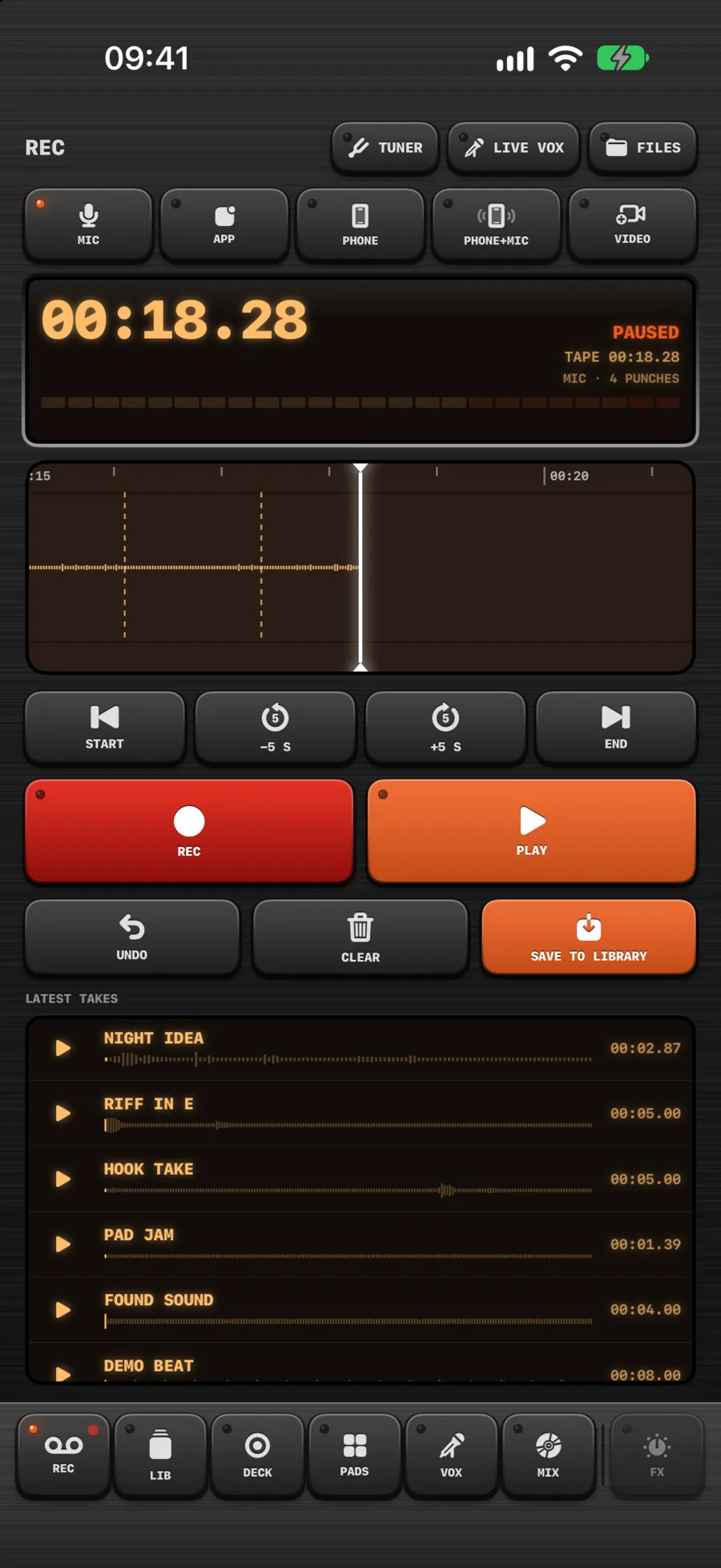
Recording works like a tape machine. Pause, drag the tape back to where it went wrong and record over just that part — everything after it stays.
Record the microphone in stereo, everything you play inside the app, or whatever is playing on your phone.
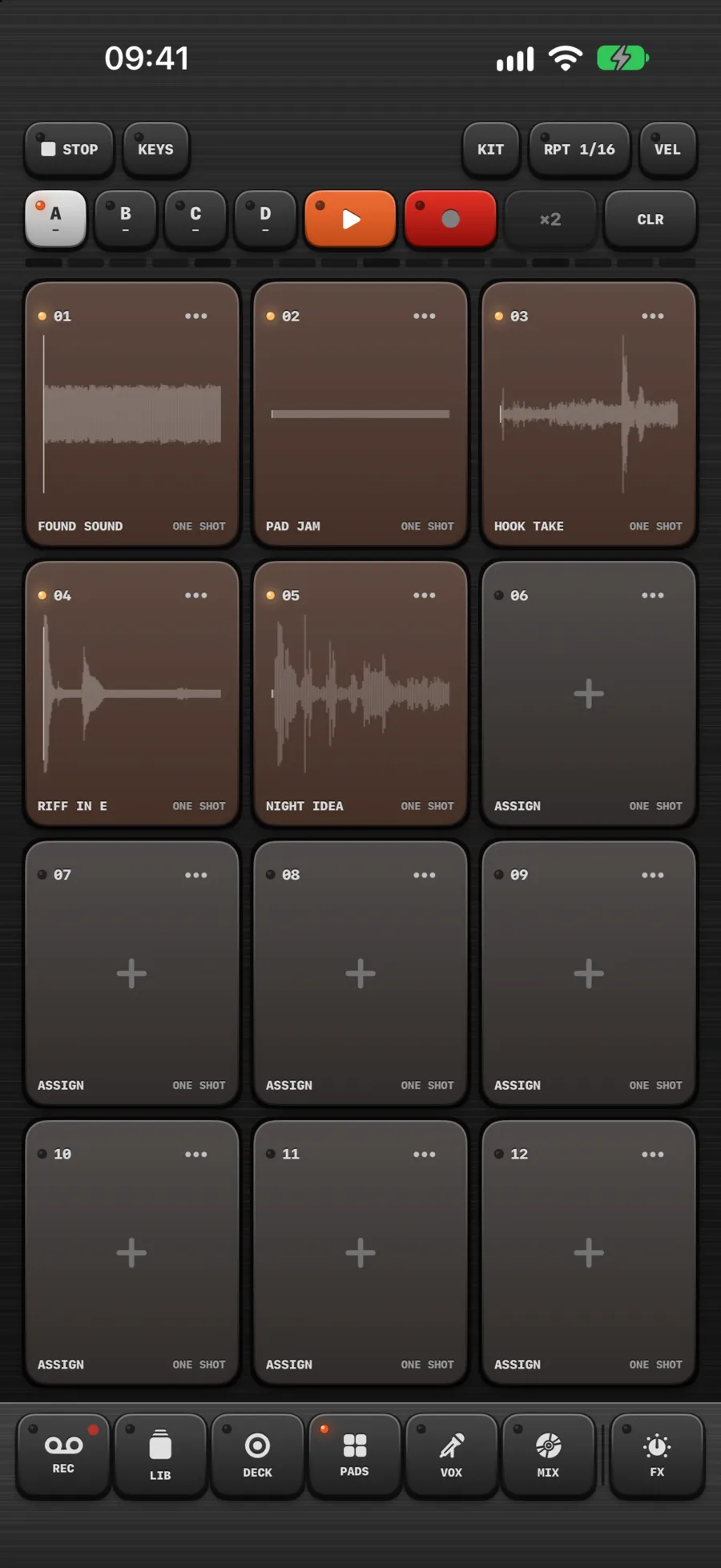
Drop marks while a take plays and it falls apart onto twelve pads, one slice each. Play them as one-shots, hold them, loop them, let them cut each other off.
Turn one sound into a keyboard in any key. Record a pattern, double it, let a pad repeat in time.
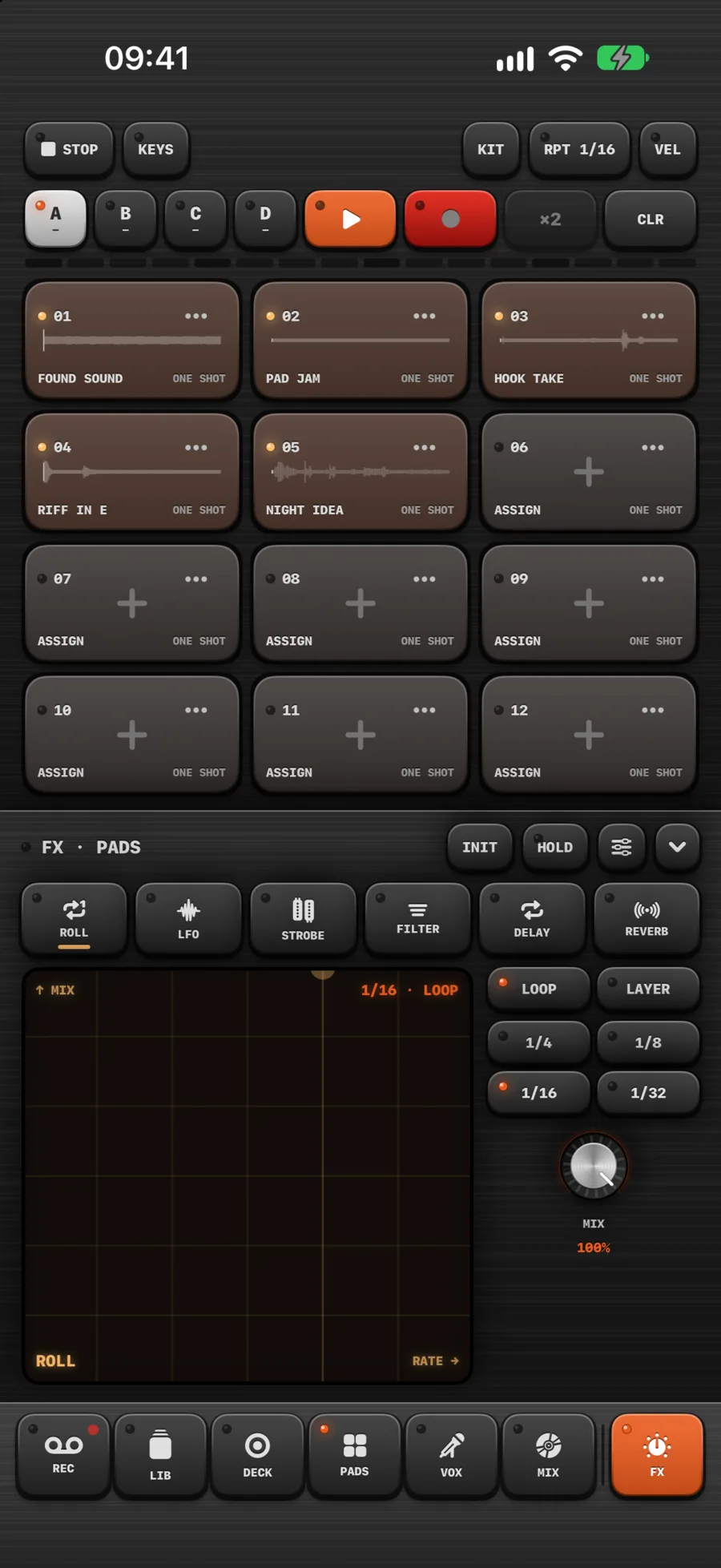
Hold the XY pad and the effect is on; let go and it is gone. Roll, LFO, strobe, filter, delay and reverb — on the deck, the pads and the voice, each on its own channel.
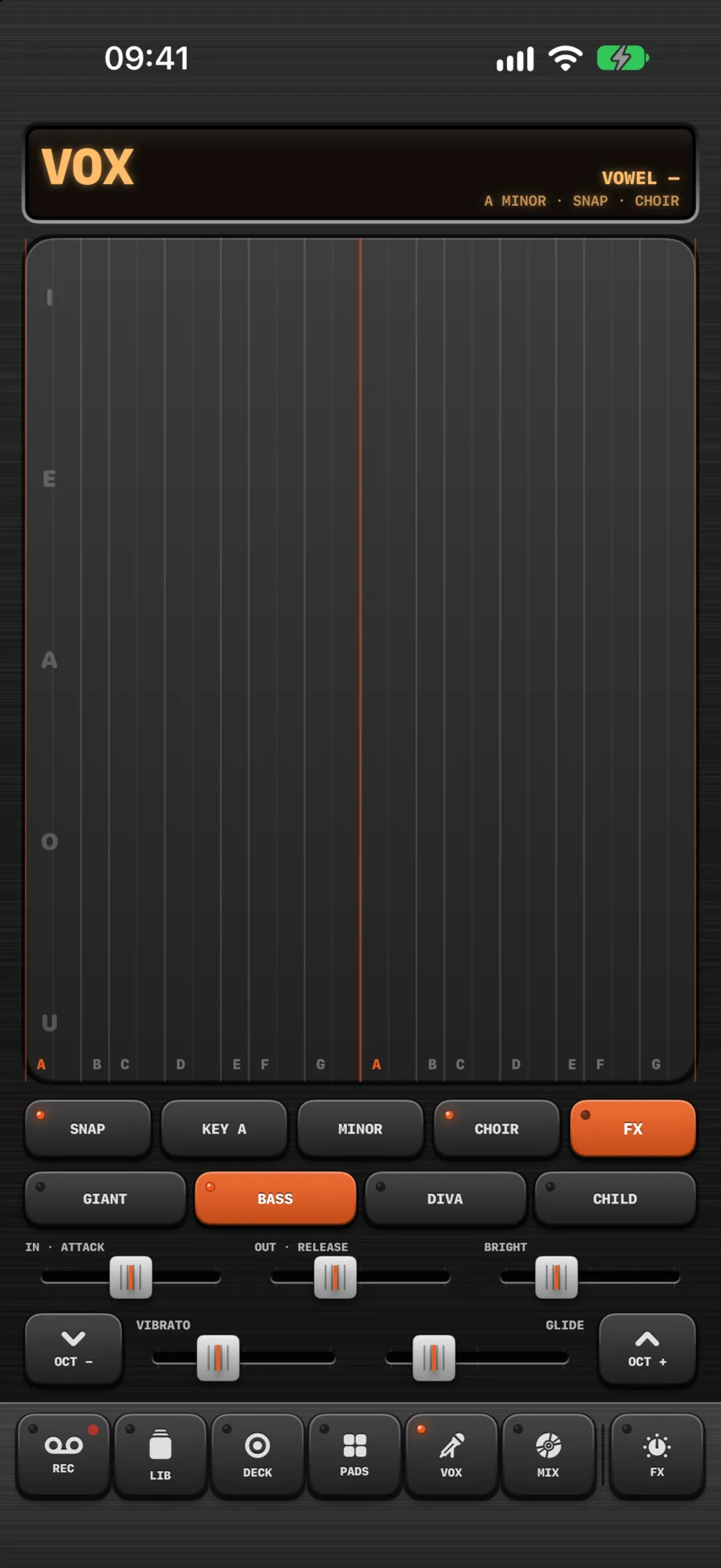
Slide for the note, move up and down for the vowel, add a second finger to glide. Four voices — giant, bass, diva and child.
Or sing yourself and change your voice live, with as much pitch correction as you want, or none at all.
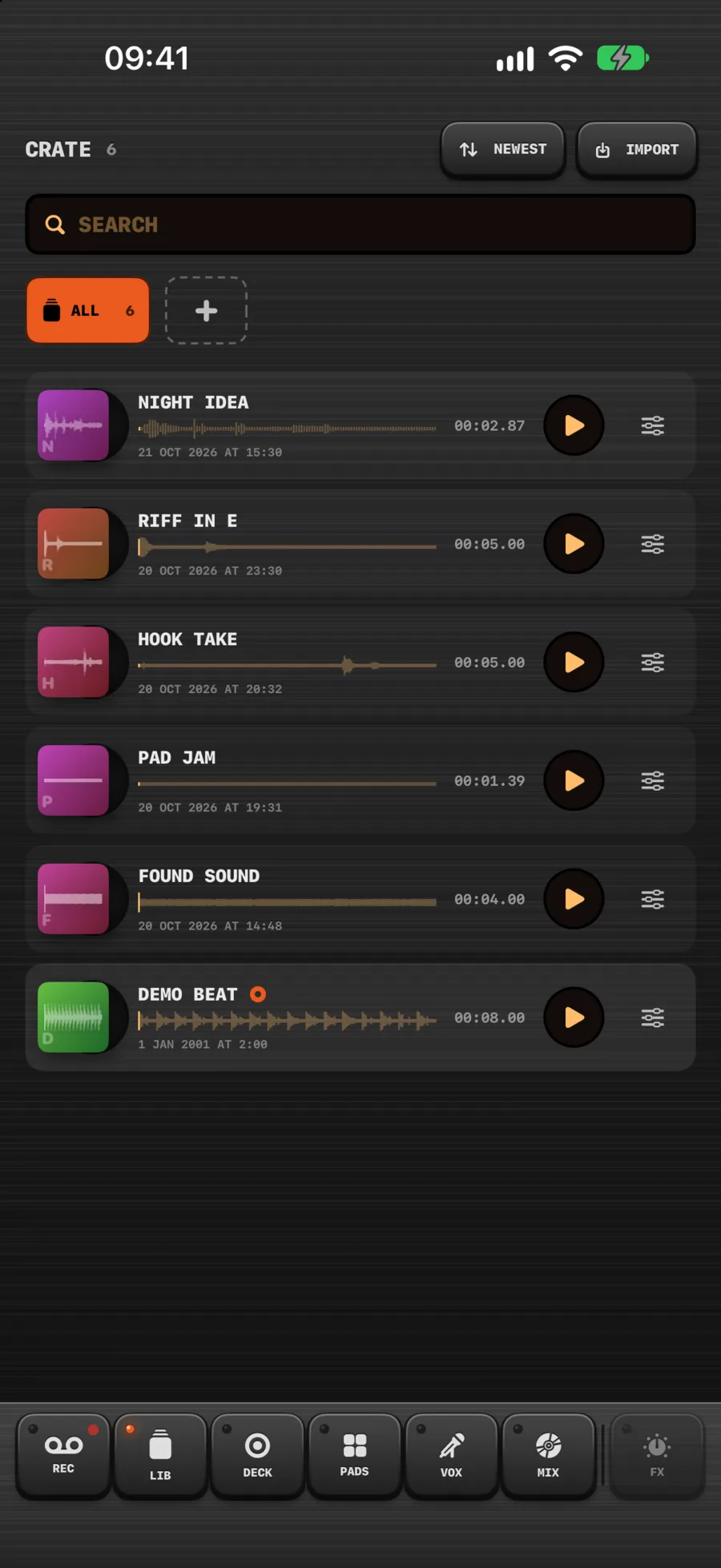
Folders, playlists that play through on the deck, and a cover for every record — printed on its label, turning with it. Listen without leaving the list.
Bring sounds in from Voice Memos, Files or a video.
We post new builds and pieces from the bench as we go.